Property Inspection App vs a Spreadsheet for Landlords
A spreadsheet tracks rooms, but it cannot prove condition. Here is where each one helps, where the spreadsheet quietly fails, and what landlords actually need to document a unit.
Posted by
 William H. Mason
Related reading
Documenting a Property Condition for a New Tenant
The day a new tenant gets the keys is the one moment a unit's condition is undisputed. Here is how to document it so the move-in record protects your deposit, prevents disputes, and starts the tenancy fair.
How to Write a Property Condition Report (With a Free Template)
A clear, dispute-ready property condition report protects your deposit decisions. Here is what to record at move-in and move-out, room by room, and how to keep it.
Periodic Rental Inspections: How Often and What to Record
Routine mid-tenancy inspections catch small problems before they get expensive. Here is how often to inspect a rental, how to give proper notice, and exactly what to record each time.
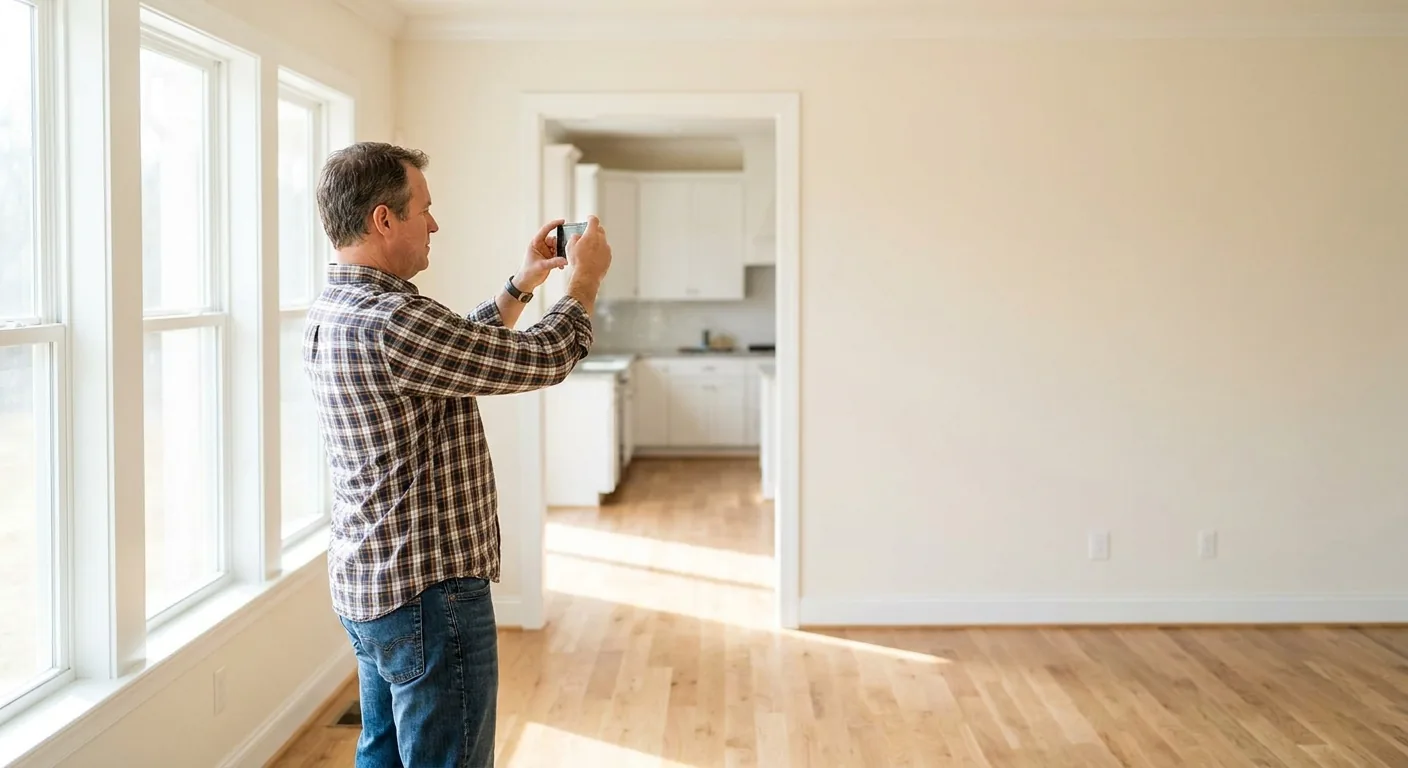
Almost every landlord starts with a spreadsheet. It is free, it is familiar, and for a while it feels like enough.
Then a tenant moves out, you go to deduct for a damaged floor, and the tenant says the floor was already like that. Now your spreadsheet of room names and dollar amounts is being asked to do something it was never built for: prove what the unit actually looked like on a specific day.
This is the real difference between a spreadsheet and a purpose-built tool. One tracks numbers. The other produces evidence. Below is an honest look at where each one fits, where the spreadsheet quietly fails, and what a landlord actually needs to document a rental.
What a Spreadsheet Does Well
A spreadsheet is genuinely good at a narrow job: arithmetic and lists. If you want to total a deposit, subtract a few line-item costs, and see what is left, a spreadsheet is fine.
It is also good for the things that do not need proof. A rent ledger, a list of units, a renewal-date tracker, a running tally of maintenance spend: all of that lives happily in a sheet. There is no reason to replace tools that already work.
The trouble starts the moment your records have to convince someone who was not there. A column that reads "living room: scuffed wall, $75" is a claim, not a record. It tells a tenant what you decided, but it does not show them why.
Where the Spreadsheet Quietly Fails
The gaps in a spreadsheet do not show up at move-in. They show up months later, on move-out day, when the stakes are highest. Here is where they tend to open up.
- Photos live somewhere else. The pictures sit in a camera roll or a shared drive, disconnected from the row they belong to, so matching a photo to a finding becomes a guessing game.
- There is no reliable date. A cell can be edited at any time and the sheet will not flag it, which means the record cannot prove when a condition was first noted.
- Move-in and move-out drift apart. The two walkthroughs end up in different tabs with different wording, so a clean before-and-after comparison is nearly impossible.
- Nothing is signed. A tenant never agreed to a spreadsheet cell, so it carries little weight if a deduction is challenged.
- The output looks like a draft. A grid of cells is not something you can hand a tenant or take to small claims and have it read as a finished record.
None of these are user error. They are simply things a spreadsheet was never designed to do. The format is built for numbers, and condition documentation is built from photos, dates, and a clear before-and-after.
Why This Matters When a Deposit Is Disputed
Deposit law is the reason documentation has to do more than total a number. In most states the landlord, not the tenant, carries the burden of showing that a deduction was reasonable and necessary.
The deadlines are short and the standard is specific. California gives a landlord 21 days to return the deposit with an itemized statement, and for deductions over a set threshold you must attach the actual invoices or receipts, as the California Courts self-help guide spells out. Texas sets a 30-day clock for the itemized list, described by the Texas State Law Library, and missing it can forfeit your right to keep any of the deposit.
Courts are explicit that vague entries do not survive a challenge. Guidance like Nolo's small claims overview notes that judges want itemized proof, not a summary, and the landlord-tenant basics at the Cornell Legal Information Institute describe the same shifting burden. A spreadsheet cell does not meet that bar. A dated, photographed record does.
What a Property Inspection App Actually Adds
A property inspection app is not a fancier spreadsheet. It changes what the record can do, because it is built around the proof a deposit dispute demands.
The core shift is that the photo and the finding live together. You photograph a room, the condition note attaches to that photo, and the date rides along automatically. There is no separate camera roll to reconcile and no cell anyone can quietly edit later.
- Each finding is tied to its own dated photo, so the record shows condition instead of just asserting it.
- Move-in and move-out use the same structure, which makes the before-and-after comparison the whole point rather than an afterthought.
- The output is a finished, branded report as a web page and a PDF, something you can actually hand a tenant.
- A shareable link lets a tenant review and acknowledge the move-in condition, which is far stronger than an unsigned sheet.
- You review and edit every finding before the report is final, so the record reflects your judgment, not a black box.
That last point matters. The goal is not to remove the landlord from the process. It is to remove the busywork of assembling photos, notes, and dates by hand, while keeping you in control of what the final record says.
The Hidden Cost of "Free"
A spreadsheet feels free because the cost is paid later, in time and in lost disputes. The hour you spend renaming photo files and matching them to rows is real. So is the deduction you write off because you cannot prove it.
Maintenance and turnover already eat the most demanding hours of the job, and documentation is the part most landlords put off until it is urgent. Records you can rely on are also part of running a property responsibly, which the federal HUD tenant rights resources treat as a baseline expectation alongside your state and local rules.
There is a tax angle too. Property records tend to matter long after a tenancy ends, and the rental-property guidance in IRS Publication 527 is a reminder that good documentation has a long shelf life. A condition report belongs in that same durable file, not on a single laptop you might replace.
The Same Move-Out, Two Ways
Picture the same scenario twice. A tenant moves out after fourteen months, and there is a long scratch across the laminate in the living room plus a cracked bathroom tile. You want to deduct for both.
In the spreadsheet version, you open last year's file. There is a row that says "living room floor: good" and a row for the bathroom that you never filled in because you were in a hurry on move-in day. The move-in photos are on an old phone, in an album you have to scroll to find, with no obvious dates on the screen. You believe the scratch is new, but the record does not say so clearly, and there is nothing the tenant signed. When the tenant pushes back, you are arguing from memory.
In the report version, you open the move-in condition report. The living room floor has a dated photo showing an unmarked surface, and the bathroom tile has a photo showing it intact. You take fresh move-out photos in the same order, the before-and-after sits side by side, and the tenant already acknowledged the move-in condition through a shared link. The deduction is not a claim anymore. It is a comparison anyone can see.
The work in both cases was roughly the same: walk the unit, look at the floor, look at the tile. The difference is entirely in whether the record survived the fourteen months in a form that proves anything. That is the gap a purpose-built tool closes.
What to Look For in a Tool
If you do move past the spreadsheet, the features that matter are the ones tied to proof, not the ones that look impressive in a demo. Judge any option against a short list.
- Photos and findings stay attached, with a date that you cannot quietly change after the fact.
- Move-in and move-out use the same template, so the comparison is automatic rather than manual.
- The finished output is a clean report as a web page and a PDF, not a screen full of raw entries.
- There is a simple way for the tenant to review and acknowledge the move-in condition.
- You can review and correct every finding before anything is final, because you know the unit better than any tool does.
Notice that none of those are about replacing your judgment. The right tool does the assembling, the dating, and the formatting, and then hands the decisions back to you. That is the line between saving time and losing control, and it is the line worth holding.
So Which Should You Use?
Keep the spreadsheet for what it is good at: rent ledgers, totals, and tracking. There is no need to force everything into one tool.
For the walkthrough itself, use something built to capture condition. If you want a structured starting point, our free move-in and move-out checklist covers the rooms and items most landlords forget, and it is a good way to standardize what you record. When you are ready to make those walkthroughs hold up, you can turn your photos into a dated condition report that pairs every finding with its picture.
If you want the details of what a strong record should contain before you pick a tool, our guide on how to write a property condition report walks through it room by room. The format you choose should make that record easier to produce, not harder.
The honest answer is that a spreadsheet is a fine ledger and a poor witness. When the question is "what did this unit look like on the day the tenant got the keys," you want a record built to answer it, so you can keep dispute-ready move-out records without scrambling on move-out day.
Turn your next walkthrough into a clean report
Snap photos at move-in, move-out, or a routine inspection and get a branded condition report you can hand a tenant or keep on file.
✓ Review every finding before you finalize ✓ Web report and PDF ✓ Cancel anytime
Frequently Asked Questions
You can, and it is fine for totals and tracking. It falls short as proof of condition, because photos live elsewhere, cells can be edited without a trace, and nothing is dated or signed. When a deposit deduction is challenged, that is exactly the evidence you need.
It keeps each dated photo attached to its finding, uses the same structure at move-in and move-out so the before-and-after comparison is built in, and produces a finished report you can share with a tenant. A spreadsheet stores numbers; the report shows condition.
No. It is structured condition documentation that a landlord or property manager creates from their own photos. It is not a licensed or professional home inspection or appraisal, and it does not replace one.
Yes. You review and edit every finding before the report is final. The tool removes the busywork of assembling photos, dates, and notes by hand, but you stay in control of what the record says.